
MCP servers
The MCP Servers view connects external tool servers over the Model Context Protocol — scanners, trackers, your team's services, or custom scripts — so the agent can call them as tools without everything being pasted into the prompt.
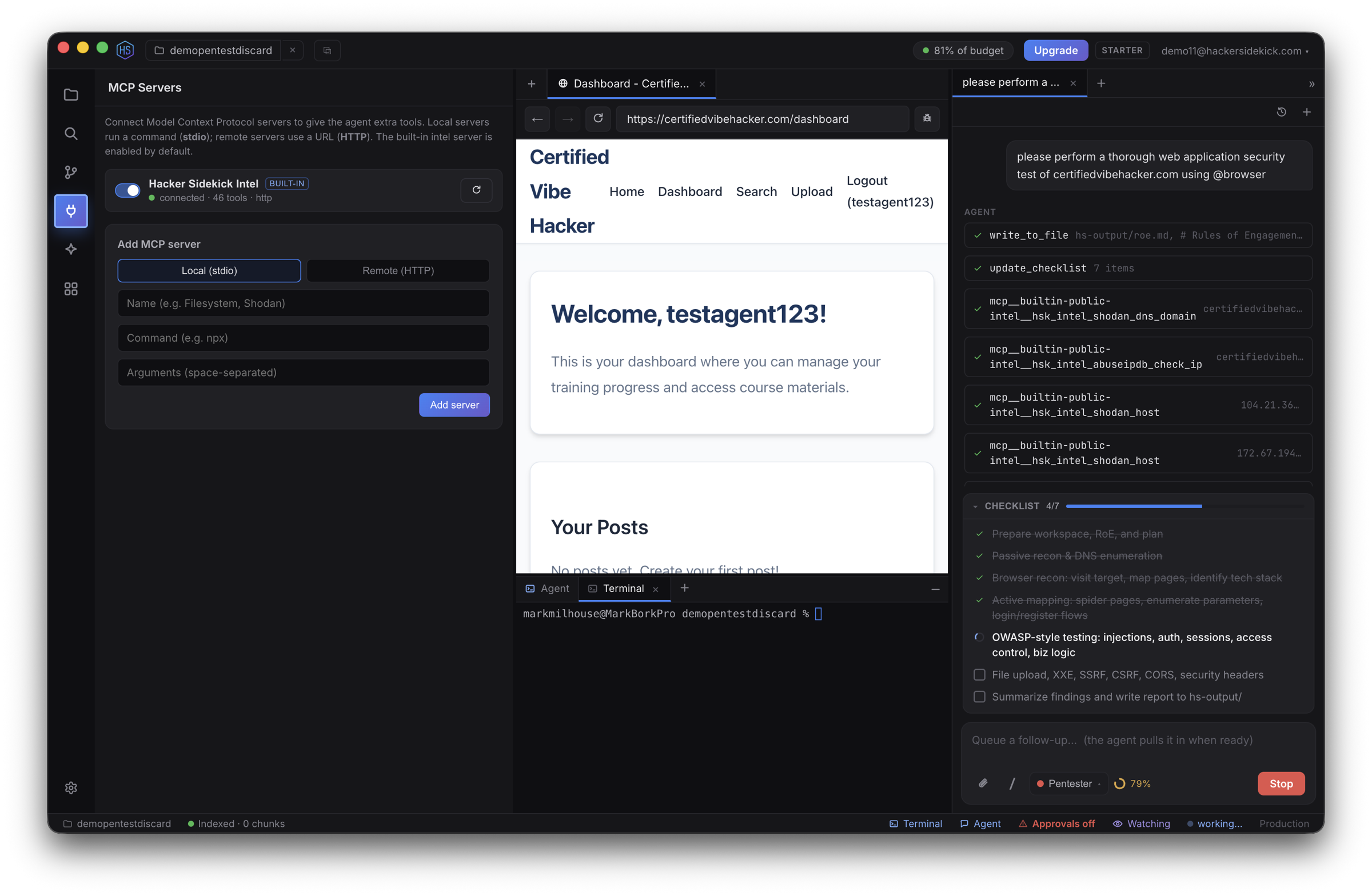
- A built-in public-intel server ships enabled, giving the agent security-research tools out of the box.
- Add your own servers, either local (stdio) — a command the app spawns — or remote (HTTP).
- Connected tools are namespaced
mcp__<server>__<tool>and merged into the agent's tool list. Live status and each server's tool list show in the view.
Approvals
Each MCP tool's first use asks for approval, showing the call. Choose Always allow to trust a tool so it won't ask again. This reuses the same approval gate as the rest of the app — see Approvals & safety.
See also
- Skills — packaged instructions the agent loads on demand
- Integrations — BYOK security & workflow services
- The agent & chat