
Browser control
Open a browser tab from the center pane's +, or just ask the agent to open a page — it's a real, sandboxed Chromium browser living inside the app, so the agent can fully see and operate it while you watch. Focus the browser with ⌘3 / Ctrl+3 and its URL bar with ⌘L / Ctrl+L.
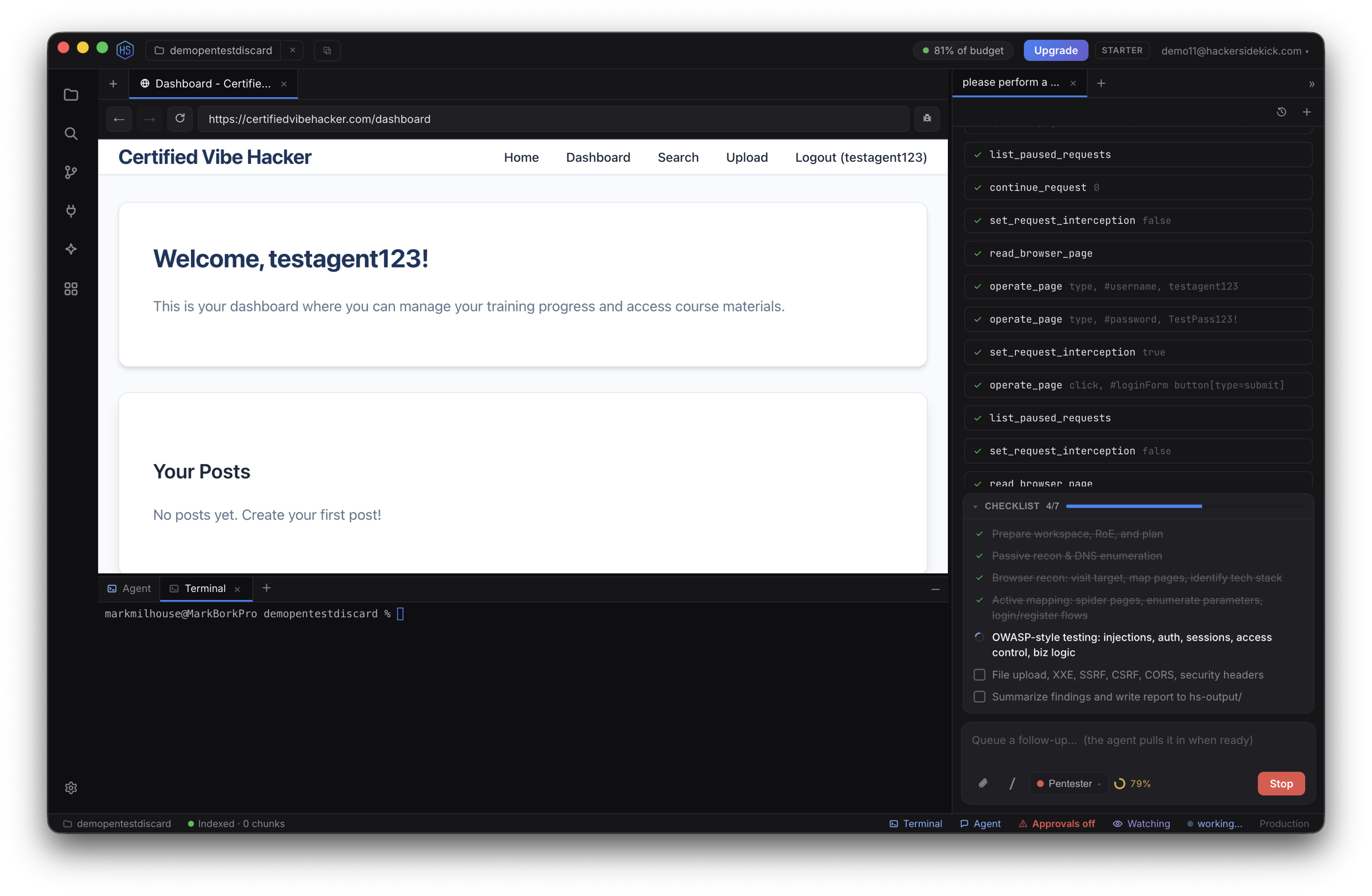
The agent reuses one browser tab for its work (it navigates that tab rather than piling up new ones). What it can do with a page:
- Inspect — read the rendered DOM, list network requests, and pull full request/response headers and bodies.
- Storage — read
localStorage,sessionStorage, cookies (including HttpOnly), and IndexedDB — useful for session tokens and auth state. - WebSockets — read frames sent and received.
- Operate — click, type, fill, submit, and scroll to walk through a flow; or run arbitrary JavaScript in the page (approval-gated). The JS console is stateful — variables the agent defines persist across calls — and it can read back recent console output to check results.
- Screenshot — capture what's rendered; the agent can see the image, and it's saved into your workspace.
- Intercept traffic — hold requests proxy-style, then continue (optionally modifying URL/method/headers/body) or block them (approval-gated).
Downloads (e.g. opening a .zip) are saved into your workspace so the agent — and you — can open and inspect them.
Safety
Running arbitrary page JavaScript and enabling request interception both pause for your approval — see Approvals & safety.
See also
- The agent & chat — attach the current page with
@browser - Watch mode — advisories on recent browser activity
- Keyboard shortcuts