
Account portal
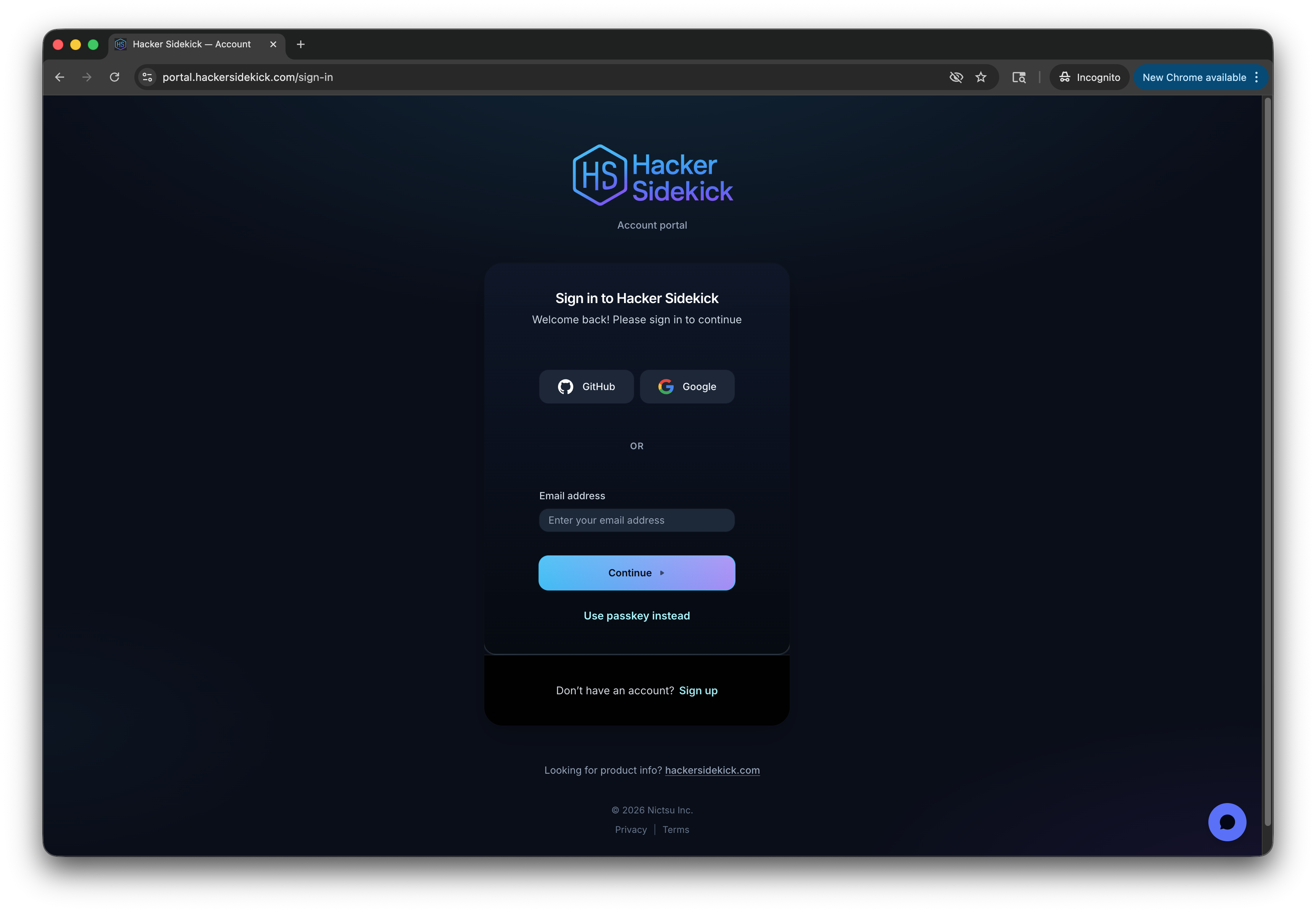
Manage your account at portal.hackersidekick.com: sign in, choose a plan, view usage, and manage billing.
The portal is where you handle subscription and account tasks. The desktop app opens it for you from the Account & billing item in the account menu (top-right of the app). Marketing and downloads stay on hackersidekick.com.
What you can do
- Sign in — use the same account as the desktop app.
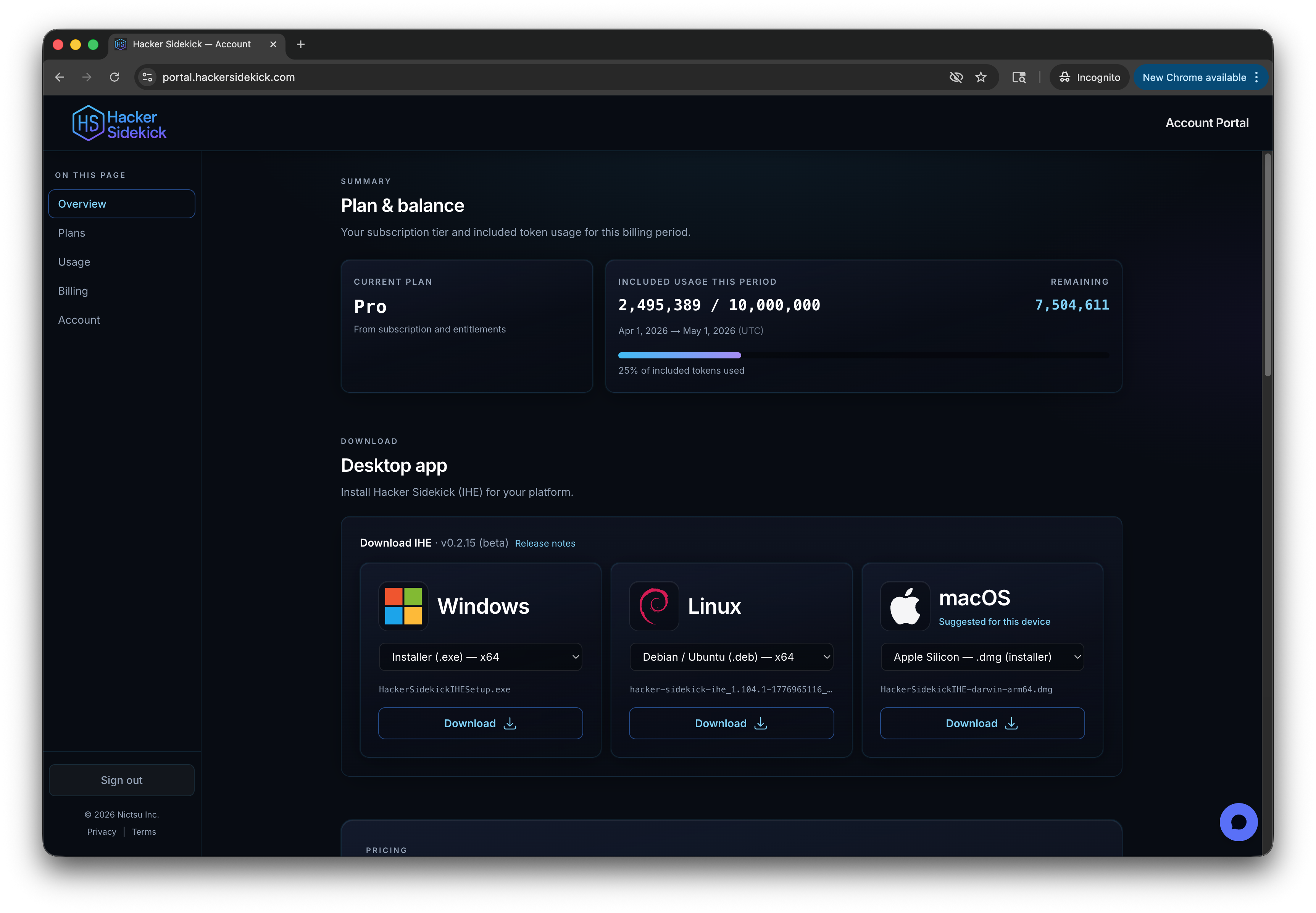
- Dashboard — one place for:
- Overview — account summary and quick links
- Plans — compare tiers and upgrade
- Usage — token use for the current period and history
- Billing — payment method, invoices, and subscription changes
- Settings — profile and account preferences
Plans and billing
- Tiers — Free, Starter, Pro, and Enterprise (custom). Prices and included token amounts are shown on the plan cards.
- Subscribe or change plan — checkout and plan changes run in the portal (secure payment flow).
- Billing management — update payment method, view invoices, or change your subscription in the billing section.
You can also start an upgrade from the Upgrade button in the desktop app, which brings you here.
Auto top-up
Auto top-up adds metered LLM tokens when you use more than your plan's included pool for the billing period. It is optional on paid tiers. Enable it here or from the desktop app's Top up menu, set a spending cap, and get warnings before you hit it — or leave it off.
| Plan | Auto top-up |
|---|---|
| Free | Not available |
| Starter | $12 per 1M tokens if enabled (billed weekly) |
| Pro | $8 per 1M tokens if enabled (billed weekly) |
| Enterprise | Custom pricing |
Usage
The Usage section shows how many tokens you've used in the selected period (for example the last 30, 60, or 90 days, or full history).
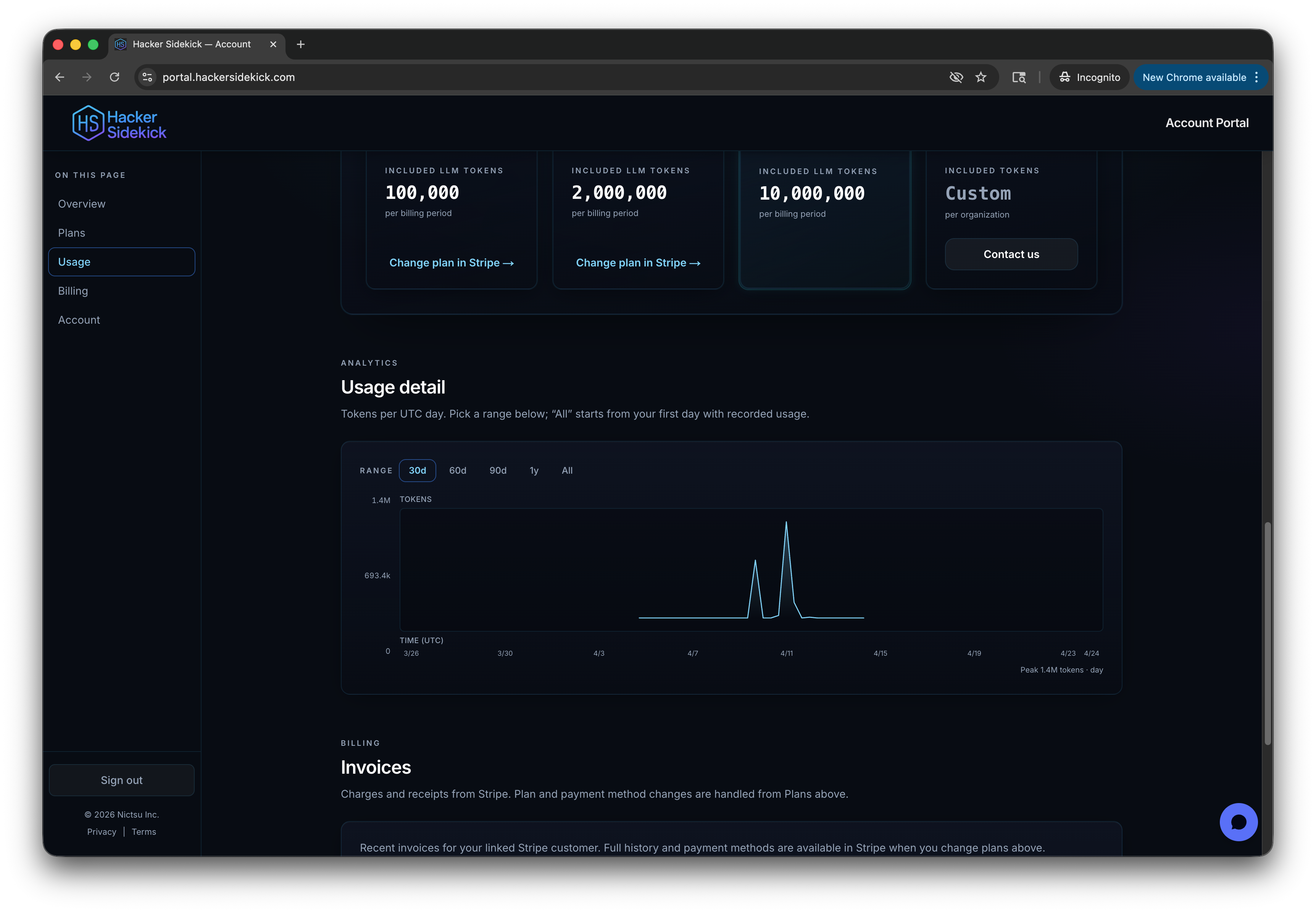
- Included tokens — each plan includes a token allowance. The dashboard shows how much of that allowance you've used in the current billing period.
- Daily breakdown — a chart of usage over time when data is available.
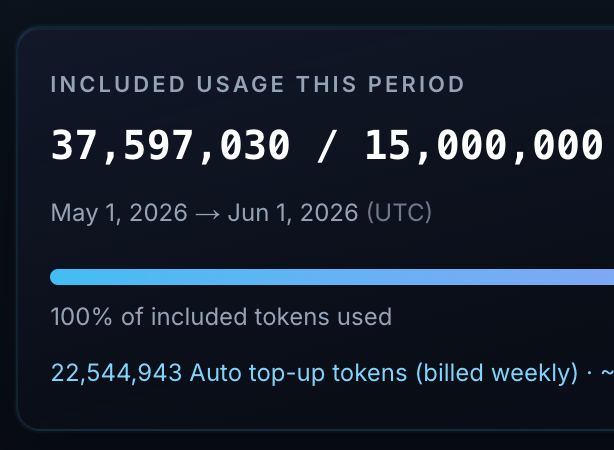
When you exceed included tokens and auto top-up is enabled, the Included usage this period panel shows 100% of included tokens used and a separate line for Auto top-up tokens (billed weekly).
In the app
Your remaining tokens are always visible as a chip in the app's title bar — click it for the full breakdown, or use Top up in the account menu to manage auto top-up without leaving the app.