
Hacker Sidekick documentation
Hacker Sidekick is a desktop IDE built for cybersecurity work — a code editor, an integrated terminal, a built-in browser, and an AI security agent, all in one app. The agent works inside the folder you open: it reads and edits your files, runs commands in a real shell, drives the browser to inspect and test targets, searches your workspace, and calls the tools and services you connect — always with you watching, and with destructive actions gated behind your approval.
This site is the reference for the desktop app and the account portal at portal.hackersidekick.com.
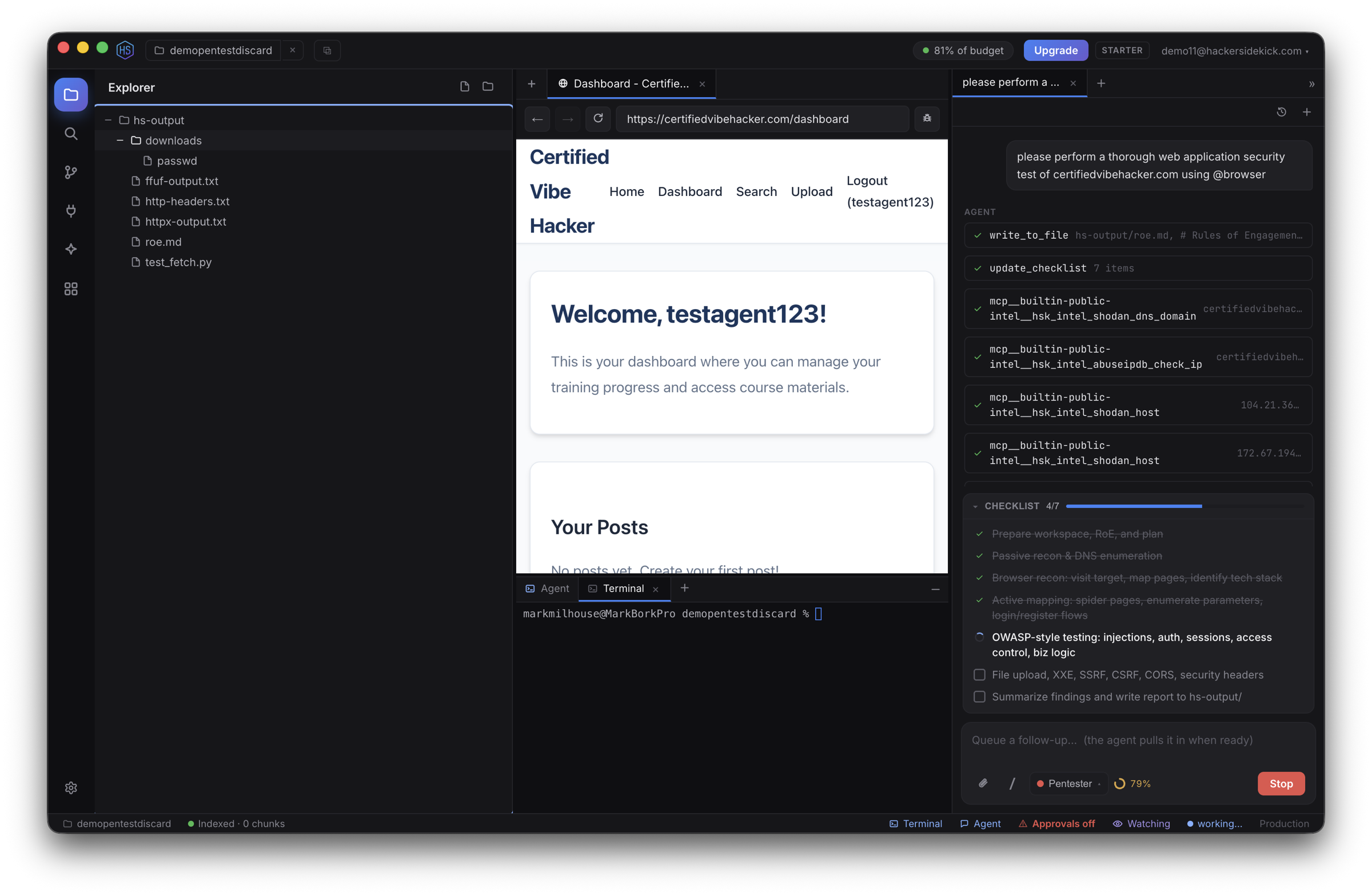
Start here
On first launch you sign in with your Hacker Sidekick account (in your browser), then open a folder to work in. A short built-in tour points out where everything lives — you can replay it any time from Help → Restart Tutorial.
| Page | What it covers |
|---|---|
| The app & first run | Install, sign-in, staying signed in, the window layout, updates, and the Help menu |
| Using Hacker Sidekick | The feature guide hub — per-feature pages for the agent, security modes, browser, terminals, files, MCP, Skills, Integrations, and Watch mode |
| Keyboard shortcuts | Every hotkey, including the ones you can rebind in Settings |
| Enterprise | Private, organization-provisioned deployments |
| Account portal | Plans, usage, billing, and auto top-up |
| Videos | Walkthroughs and demos on YouTube |
Quick links
| For | Go to |
|---|---|
| Account — sign in, plan, billing, usage | portal.hackersidekick.com |
| Downloads & product | hackersidekick.com |
| This documentation | docs.hackersidekick.com |
| Video tutorials | youtube.com/@HackerSidekick |
Privacy: we do not train models on your data. Your prompts, code, and engagement context are used to complete your requests — not for training.
Use the sidebar to read the whole guide in order, or jump to any page above.