
Files, editor & search
Everything happens inside the folder (workspace) you open. Focus the file explorer with ⌘4 / Ctrl+4 and save the active editor with ⌘S / Ctrl+S.
Explorer
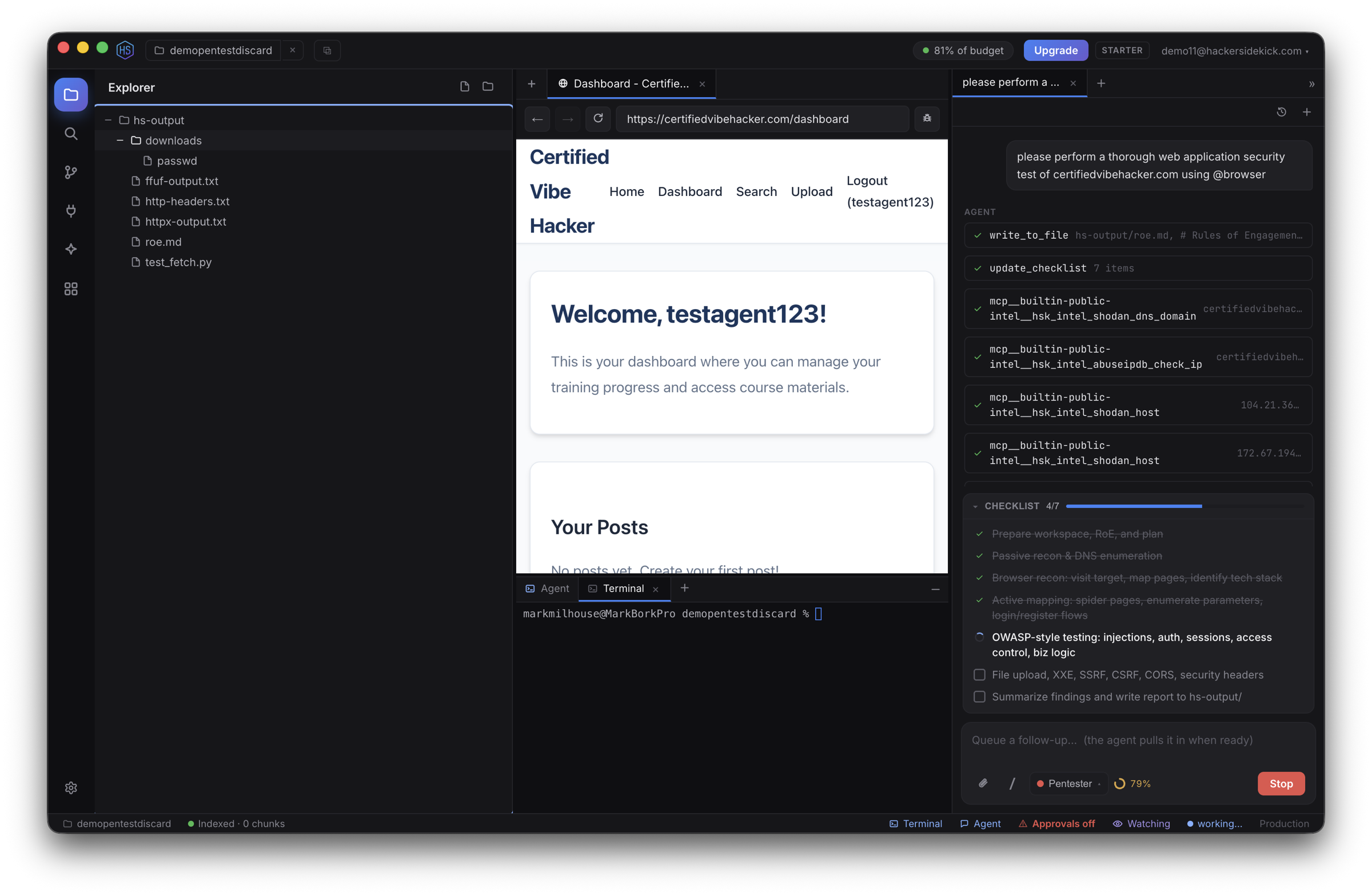
The Explorer (activity bar) is a full file manager for your workspace:
- Expand/collapse folders, open files, and multi-select (⌘/Ctrl-click, Shift-click for a range).
- Create, rename, delete (to Trash), and move files by dragging — via right-click or the header buttons.
- The tree refreshes automatically when files change on disk — whether from the agent, Git, or another program.
See Keyboard shortcuts → Explorer for the full list.
Viewing files
Files open in the center as tabs. Beyond source code with syntax highlighting, the editor renders:
- Images inline.
- PDFs as extracted text.
- SQLite databases as a schema summary (the agent can run read-only queries against them).
- Other binaries as a hexdump + extracted strings.
Markdown opens in a rendered preview with a toggle to the source. Edits are tracked and survive a restart (hot-exit) even before you save.
Files outside the workspace
The agent is confined to your workspace by default. To work with something elsewhere (a wordlist, a file in ~/Downloads, evidence), attach it with the paperclip — that grants access to that specific file for the session — or the agent can request access to a path, which you approve once.
Search
The Search view does fast literal or regex search across the whole workspace. Click a match to jump straight to that line in the editor.
Source Control (Git)
The Source Control view gives you Git in the app: stage, commit, view diffs, and switch branches — or initialize a repo if the folder isn't one yet. Useful for keeping a clean trail while you triage, review suspicious changes, or prepare patches.
Workspace indexing
Hacker Sidekick builds a semantic index of your workspace so the agent can search it by meaning, not just keywords — pulling the relevant files and functions into a task without you pasting the repo into chat.
- Progress and status show in the status bar; click it to re-index at any time (or run
/reindexin chat). - The index is stored locally on your machine. Your source stays in your workspace and is not used to train models.